
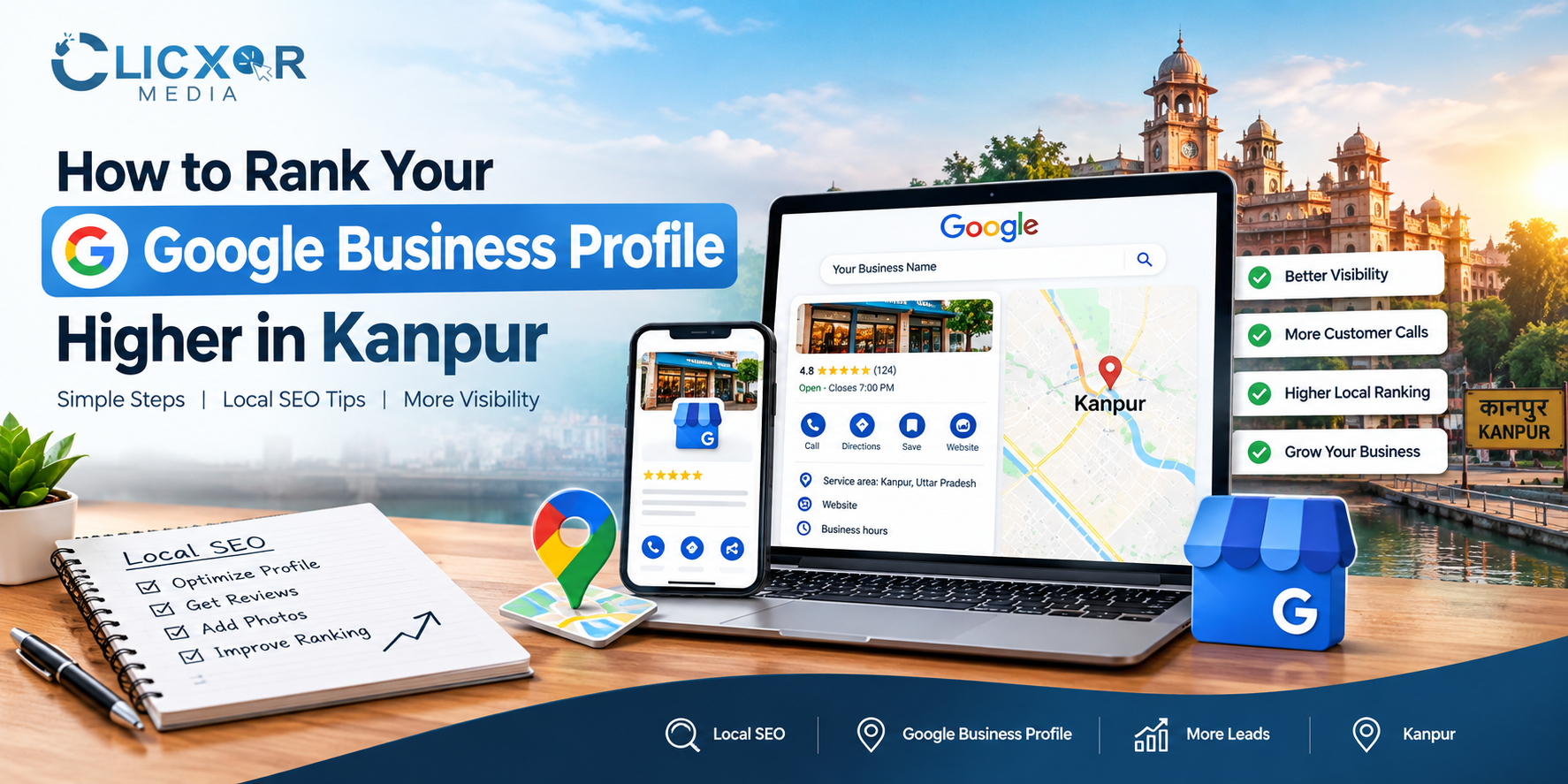
Introduction
When people search for a service on Google, they often look at Google Maps and local business listings before visiting a website. Many customers check Google Maps first when looking for a trusted local business. Whether someone needs a marketing agency, a dentist, a coaching institute, a restaurant, or a home repair service, appearing in relevant local search results can help a business attract potential customers.
For businesses in Kanpur, Uttar Pradesh, Google Business Profile optimization Kanpur is an important part of a local SEO strategy. An optimized Google Business Profile helps customers discover a business, understand its services, check opening hours, read customer reviews, and contact the business directly. Maintaining accurate and up-to-date information is essential for building customer trust.
However, simply creating a Google Business Profile does not guarantee higher rankings. Business information must be accurate, categories must match the services offered, and the online presence should demonstrate relevance and credibility. Incorrect categories or incomplete information may make it harder for customers to understand a business.
This guide explains how to improve a Google Business Profile, strengthen your local SEO strategy, and build a more trustworthy online presence in Kanpur. By following these best practices, businesses can improve their chances of being discovered by relevant local customers.
If you need professional assistance, Clicxor Media’s SEO services can help you explore a broader strategy for improving your website’s organic visibility and local search performance.
What Is Google Business Profile Optimization?
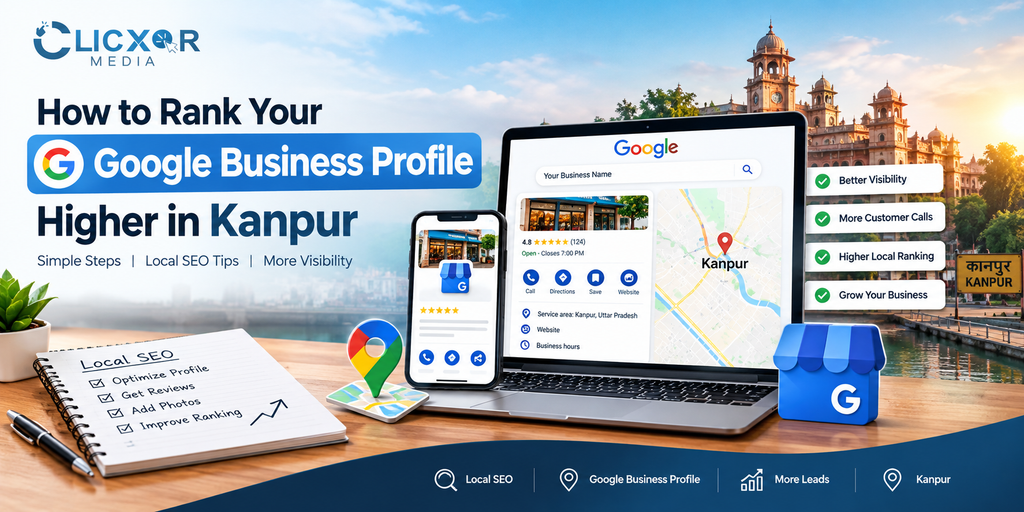
Google Business Profile optimization is a way to make your business listing clearer so that Google and potential customers can understand your business better.
Google Business Profile, which used to be called Google My Business lets eligible businesses manage their presence on Google Search and Google Maps.
Google Business Profile optimization involves activities, including:
Choose the right main and extra business categories.
Give business details and open hours.
Explain your services clearly.
Add business photos and useful updates.
Collect customer reviews and reply to feedback.
Keep your website and business details consistent.
Watch performance and customer interactions.
For example a digital marketing agency in Kanpur should clearly state its SEO, website development, advertising and other relevant services of using a vague business description.
The goal is to make your profile helpful for customers and relevant, to the searches that your business can truly serve.
Why Google Business Profile Optimization Matters for Businesses in Kanpur
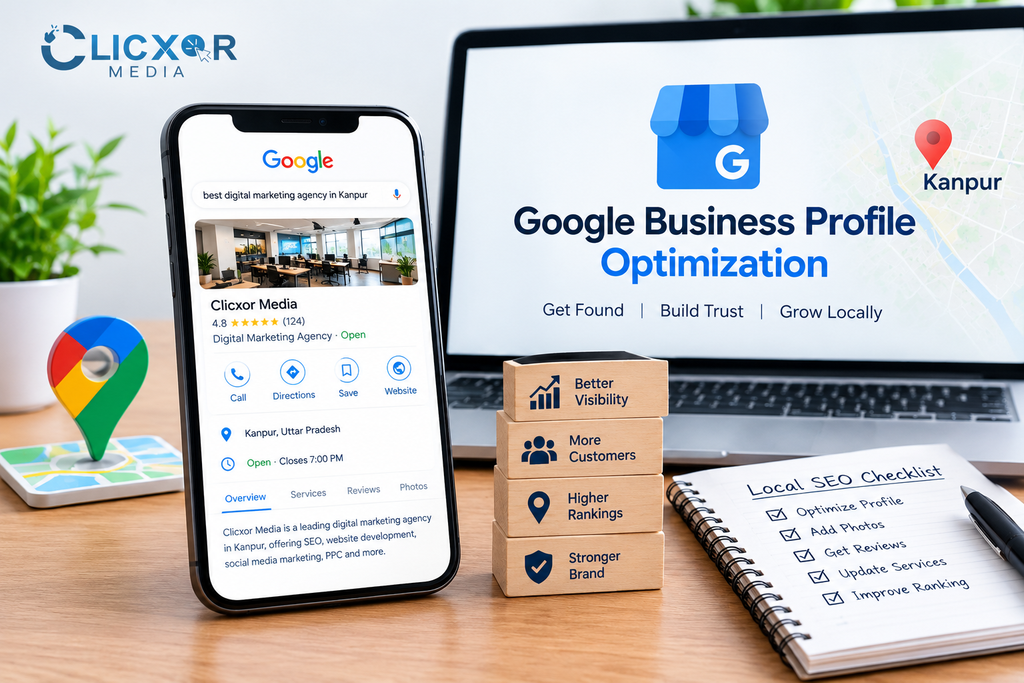
Kanpur has a business environment. I notice that in Kanpur there are shops, schools, hospitals, factories, eateries, professional services and digital agencies.
People in Kanpur may search with phrases such as SEO company in Kanpur. They also use precise queries like dentist near me or best coaching institute, in Kanpur.
If a business keeps its profile clean and updated it will appear in these searches. The profile gives details and helps potential customers take action quickly.
Key benefits of local SEO
1. Local discoverability: Your business can get a chance to show up in Google Search and Maps when people look for things in your area.
2. Informed customers: Up-to-date hours, details about the services you offer contact info and pictures let people know more about your business.
3. Trust: Real reviews from customers and replies to those reviews show that your business cares about what people have to say.
4. Easier enquiries: With the right profile features customers can call you ask for directions go to your website or do something that matters to them.
5. Local marketing insights: Data about how people find and use your business can help you learn more about your customers.
These benefits depend on your business category if you are eligible how many others are, in your area, where you are located and how good your online presence is.
1. Claim, Verify, and Complete Your Google Business Profile
The first step is to claim your existing profile or create one if your business is eligible and does not already have a listing.
Complete Googles verification process. Make sure you have control, over the profile. If a listing already exists, check whether you can claim ownership of creating a duplicate.
Fill in all the information accurately. This includes:
- Business name.
- Business category.
- Address or service area, where applicable.
- Business phone number.
- Website URL.
- Regular opening. Special hours.
- Available services and relevant attributes.
Use your business name. Do not add keywords, locations or promotional phrases to the name unless they are truly part of your official business name.
For example a company should not change its name to “Best SEO Company Kanpur Cheap SEO Services” just to get searches.
Accurate information builds customer trust. Helps Google understand your business better.
2. Choose the Right Primary and Secondary Categories
Business categories help Google understand what your business does.
Your primary category should reflect your business activity as closely as possible.
You can add categories only if they truly describe other real services your business offers.
Don’t pick categories just because they seem popular or because others use them.
For example if you run a marketing agency choose the category that best fits your main work.
You may add categories only if they match your real services and are listed in Google’s options.
A good tip: Look at the categories businesses, in Kanpur use.
Compare them to what you do.
Then pick the accurate choices available.
Researching competitors can help,. Always follow Google’s rules, not their choices.
3. Write a Clear, Customer-Focused Business Description
Your business description should clearly explain what you offer, whom you serve and what customers can expect.
Use language instead of repeating the same keyword many times. Keep the business description factual, helpful and in line with your operations.
For example a local SEO agency might say it helps businesses boost website visibility with SEO, content optimization, local SEO and Google Business Profile management.
A business that serves Kanpur may mention its market naturally when it truly reflects its service area.
Remember that adding a city name to a business description does not guarantee rankings. The purpose is to give information to potential customers.
Also follow Google’s rules about claims and avoid unsupported statements like “guaranteed number one, on Google.”
4. Optimize Your Services and Business Information
Your services section helps customers understand the solutions your business provides.
Add each service separately wherever your profile allows. Use clear names and short descriptions that truly match what you offer.
For example an SEO agency might offer:
- SEO services.
- Google Business Profile optimization.
- Technical SEO audits.
- On-page SEO.
- Keyword research.
- Website optimization.
- Content strategy.
Only list services you actually provide.
Next double-check your contact info and business hours. Make sure your phone number works your website loads properly. Your hours match your real schedule.
If your business has a location where customers visit make sure the address follows Google’s rules. If you go to customers’ places of having them come to you set your profile as a service-area business.
Do not make up fake office addresses to reach parts of Kanpur.
5. Use Authentic Photos and Videos
Visual content can help future customers understand your business before they reach out.
Upload high-quality images that clearly show your premises, team, products, services or finished work.
Useful photo categories include:
- interior photographs, when relevant.
- Team and workplace photographs.
- Products and service-related images.
- Project examples and completed work.
- Relevant branded images that clearly show what you offer.
For a marketing agency suitable visual content might show the real workspace, team activities, campaign planning sessions or genuine project examples that can be shared publicly.
Avoid misleading stock images that make it seem you own premises or facilities you do not have.
Maintain image quality and update visual content when something meaningful changes. Do not upload photographs just to look active.
6. Build a Consistent System for Genuine Google Reviews
Reviews help potential customers decide about your business and also help your business become well known in your area.
After you finish a project, appointment or sale ask the customer to share a review. You can send the direct review link in a follow‑up message, email or on the invoice.
Make the process easy and polite.
For example:
“Thank you for choosing our business. We appreciate your feedback. If you have a moment please share your experience through our Google review link.”
Respond to reviews in a way. Thank customers for feedback and handle negative feedback calmly keeping customer information private.
If a customer brings up a problem acknowledge the concern and offer a suitable solution.
Never buy reviews never give rewards for reviews and never ask customers to give only positive reviews. These practices break Google’s rules. Hurt trust.
A steady process for asking feedback lasts longer, than trying to get many reviews quickly.
7. Publish Relevant Google Business Profile Updates
Where Google Business Profile posts are available use them to share timely information.
Possible updates could be:
A service announcement.
A seasonal offer with details.
A recent. Business milestone.
An event that is coming up.
Helpful advice that is important for your customers.
Changes to how the businesss running.
For example an SEO agency based in Kanpur could post a message explaining how local businesses can improve their presence on Google Maps.
Make sure to have a message and add a call to action when it makes sense.
Do not think that posting every day automatically helps with rankings. Posts are mainly a way to tell customers what is going on help them engage and share business information.
Make sure every update is correct and matches what is, on your website and what your business actually offers.
8. Strengthen Your Website With Local SEO
Your Google Business Profile and website need to show the clear business identity.
A profile by itself can’t take the place of a website that is properly set up. Your website needs to talk about your services show that you are trustworthy answer questions customers might have and make it simple for them to get in touch.
For businesses that are trying to reach people in Kanpur think about these changes:
Make page titles and headings better: Use words that are related to the service and the location when they truly match what the page is about.
Make service pages that’re helpful: Every major service should have a page that clearly explains what it includes who it is for and how customers can begin.
Keep business information the same: Make sure the business name, address if needed and phone number are the same on your website and on business listings that are real.
Make the website work better on phones: Ensure that people can read the content move around the site and get in touch with you easily when they are using a smartphone.
Create links inside the website that make sense: Connect blog posts that are related to the service pages.
For instance this article should link naturally to Clicxor Medias SEO services page. That page can explain what the company offers in SEO and give a next step for people who need help from professionals.
Local SEO should be, about meeting customer needs not just putting the word “Kanpur” in every part of the text.
9. Create Helpful Content for Kanpur’s Local Audience
Location‑specific content can help your website answer the questions that customers actually ask.
Of publishing repetitive articles that target slightly different keywords create useful resources that answer distinct questions.
Potential topics include:
How local businesses in Kanpur can improve Google Maps visibility.
Local SEO checklist for businesses.
How to. Manage genuine Google reviews.
How to choose an SEO agency in Kanpur.
Common website SEO problems affecting businesses.
Where relevant discuss the needs of businesses that serve areas such as Swaroop Nagar, Kakadeo, Govind Nagar, Kidwai Nagar, Panki and Civil Lines.
Mention neighbourhoods when they are genuinely relevant to your audience or service coverage. Do not imply that your business has a branch, in an area when it does not.
High‑quality local content should include advice, accurate information and examples that readers can apply.
10. Build Trust With Consistent Business Information and Relevant Links
Your business details need to be correct on your website on Google Business Profile and on trusted directories.
Check listings for old phone numbers, wrong addresses same profiles appearing more than once and different names for the same business.
When it makes sense connect with local groups, suppliers, industry groups and local news outlets. Being mentioned in places and having links from good sites can help your website be more visible online.
Stay away from adding your business to many directories at once from links that don’t matter and, from any services that say they can get you higher on Google Maps for a price.
The goal is to create an online presence that shows who your business really is.
11. Optimize for AI Search, AEO, AIO, and GEO
I see that customers are using conversational searches and AI‑powered search experiences to look up businesses and services.
While it is not guaranteed that your business will appear in answers you can make your information easier to understand, verify and reference.
Focus on these practices:
– Answer questions directly: Tell what your business does who it serves and which services you offer.
– Use headings: Arrange your website content, around clear questions and topics.
– Show experience: Publish real case studies explain your process and use verifiable examples when you have permission.
– Keep facts consistent: Make sure your business information matches on all important online sources.
– Use structured data correctly: Proper schema markup can help search engines read your website but it does not promise higher rankings or AI citations.
– Keep content useful and original: Give information that adds value rather than repeating generic marketing statements.
Answer Engine Optimization (AEO) AI search optimization (AIO) and Generative Engine Optimization (GEO) should work with a SEO strategy not replace it.
12. Track Performance and Improve Your Strategy
Optimization is a process. You should review your profile and website performance on a basis to find ways to get better results.
Google Business Profile performance reporting can show you details like the search terms people use how many times your profile is viewed how calls you get how many people click through to your website and other types of engagement. The exact data available depends on the features that are turned on.
Google Search Console helps you keep track of how your website appears in search results how many people click on your links what queries bring them to your site and if there are any issues with how Google indexes your pages.
Google Analytics gives you insight into what visitors do once they arrive at your website. This is only useful if the tracking is set up properly.
Keep an eye on these areas:
- How visible your business is in local searches.
- The number of customer calls and website visits you receive.
- Direction requests, if your business gets them.
- Website performance in terms of clicks and impressions.
- The number of leads and actual conversions.
- Customer feedback and the most common questions people ask.
Compare your results month over month. Look closely at any changes before you make decisions or adjustments.
Google does not share the details of how its local ranking algorithm works. That means no agency can guarantee a ranking for every search or, in every neighborhood.
Understanding Google’s Local Ranking Factors
Google points out three things that matter for local search: relevance, distance and prominence.
Relevance: How closely your business information matches what someone is looking for.
Distance: How far your business is from where the person’s where the search is coming from.
Prominence: How well known your business is, based on things like reviews and information about your business online.
You can make your business profile more accurate and relevant. Build a stronger online presence.. You can’t change where the person is searching from and there is no real way to pay Google to get better local search results.
That is why a good Google Business Profile optimization plan includes information about your business, real customer reviews, helpful content, on your website and regular checking of your progress.
How Clicxor Media Can Help With Local SEO in Kanpur
Improving search visibility means more than just filling out a business listing. Your profile, website, content and reputation need to all work to help reach your business goals.
Clicxor Media offers SEO services for businesses that want to make their online presence stronger. Depending on what you need a local SEO strategy could include things like optimizing your profile doing keyword research improving your website, planning content setting up linking and tracking performance.
The best place to start depends on your profile whether your business is eligible how much competition there is, how your website is doing and who your target customers are.
Check out Clicxor Medias SEO services to find out more about what’s available and to figure out the right next step for your business.
No honest SEO company can promise a position on Google Maps. A good approach should focus on following the rules being clear, with reports and making improvements that can be measured.
Frequently Asked Questions
1. What is Google Business Profile optimization in Kanpur?
Google Business Profile optimization in Kanpur means making sure your business’s Google listing has complete information. This includes business details, the right categories, services offered real photos and genuine customer reviews. The goal is to help people in Kanpur find your business easily when they search locally.
2. How can I rank my Google Business Profile higher in Kanpur?
To improve your ranking in Kanpur start by verifying your Google Business Profile. Choose the categories for your business. Fill out all the information completely. Add your services. Keep everything up to date. Ask customers to leave reviews. Make sure your website is useful and works well. Check your performance regularly. Fix any weak spots.
3. How long does Google Business Profile optimization take to show results?
There is no time for results. It depends on how competitive your area’s what kind of business you run how complete your profile is, how strong your website is and many other things. Some changes may help customers notice you faster.. Real improvements in ranking can take several weeks or even months.
4. Do Google reviews improve rankings?
Google says that the number of reviews and the overall rating can help your business appear more in searches.. Reviews are not the only thing that matters. It’s important to get honest feedback. Never pay for reviews. Try to fake them as that can hurt your profile.
5. Can I rank in every area of Kanpur with one Google Business Profile?
No it’s not possible to rank in every part of Kanpur with one Google Business Profile. Distance plays a role in how Google shows businesses. Also Google has rules about how a business can show its location and service area. You must follow these rules. Do not create locations just to appear in places where you do not actually serve customers.
6. Is a website for Google Business Profile optimization?
A website is not required to have a Google Business Profile.. Having a website helps a lot. It lets you share details about your services show your work give contact info and build trust. A good website can make your business look more professional and help you stand out.
7. Can an SEO agency guarantee the position on Google Maps?
No. No SEO agency can promise the spot, on Google Maps. Google does not let businesses pay to get local rankings. Rankings depend on things like your profile, your website, your reviews and how customers interact with you. A good agency can help improve your optimization and track your progress.. They should not say they will guarantee you a top position.
Conclusion
I have learned that ranking your Google Business Profile higher in Kanpur begins with business information. It also needs categories, genuine customer reviews, useful photos and a website that supports local SEO goals.
The effective strategy is simple. Improve the factors within your control. Follow Google’s guidelines. Publish content. Monitor customer interactions. Do not focus on rankings.
Whether you run a shop, a professional service, a clinic, a restaurant or a digital agency a well‑maintained Google Business Profile can help customers understand your business. It can also encourage them to take the step.
For businesses that need an approach, to website visibility and local search performance explore Clicxor Media SEO services. Choose a strategy that aligns with your business objectives.